How to Automate Customer Support Without Losing the Human Touch
Automate customer support by connecting your inbox or ticket tool to an AI step that drafts a reply from your existing help docs, flags anything outside that scope for a person, and logs which questions repeat most so you can fix the root cause instead of answering it again. Done right, it cuts response time on routine questions from hours to minutes without the canned, robotic tone that makes a customer disengage from a bot.
Does this sound like your business?
Most support inboxes get the same handful of questions on repeat: where’s my order, how do I reset my password, what’s included in the plan. Answering each one by hand isn’t what anyone hired a person to do, and a generic chatbot script that fires back a canned response makes a customer feel like they’re talking to nobody in particular. The better middle ground is to automate customer support in a way that still sounds like your team, drafted from your own real answers, with a person still in the loop for anything it can’t confidently handle.
This guide walks through the actual build: pulling your real repeat questions instead of guessing at them, giving an AI step the right source material to draft from, and setting up the routing so nothing gets a made-up answer sent to a real customer. None of this requires replacing your existing inbox or helpdesk, it sits in front of the tool you already use and drafts into it.
Why Automate Customer Support Questions First
Repeat questions are the easiest place to start automating for a simple reason: the answer already exists somewhere in your past replies, it just isn’t reusable yet. Every time someone on your team retypes an answer they’ve written fifty times before, that’s time that could go toward the tickets that actually need a human: refund disputes, edge cases, the customer who needs to hear from a real person and not a template. Automating the repeat questions first also means automating the lowest-risk category. If an AI drafts a reply about your return policy, that’s fast and easy to check against the source material, unlike automating something judgment-heavy where a wrong answer costs more than the time it saved.
Common Mistakes That Undermine Support Automation
A few mistakes show up in almost every attempt to automate customer support that ends up getting quietly turned off within a month:
- Auto-sending from day one. Skipping the review queue before the drafts have proven themselves means the first bad reply a customer sees is also the one that makes the whole team distrust the system.
- No confidence threshold. Without a rule for when the AI should hand off instead of guessing, it will eventually answer a question it has no real source for, and guess wrong with total confidence.
- A generic prompt instead of your actual voice. A prompt that just says “answer helpfully” produces replies that read like every other AI-drafted email. It needs your real past replies as examples, not a generic tone instruction.
- Source docs that go stale. The AI can only draft from what it’s given. If your help docs are two product updates behind, it will confidently repeat the outdated version.
What This Looks Like in Practice
We built this exact setup for a support inbox that was getting the same product questions in every thread, at every hour, with the same two people answering them by hand. The full write-up, including what the before-and-after actually looked like, is in Inside the Build: AI-Drafted Replies for Repeat Support Questions. If you’re building this in n8n specifically, its own documentation on advanced AI workflows is worth reading before you start, since agent and tool nodes behave differently from a plain chat completion call.
The steps below are the version of this we’d actually build for a first pass. Start smaller than feels necessary. A system that handles five question types well and hands off everything else earns trust fast. A system that tries to handle fifty question types on day one usually earns none, and it takes far longer to trust once it’s live.
-
1
Pull your 10 most repeated questions
Go through the last month of real tickets or emails, not memory, and count what actually repeats. Most inboxes find the same 8-12 questions make up well over half of total volume. This list is what the AI will draft from first, so it needs to come from real messages, not a guess at what customers probably ask.
-
2
Turn your best answers into a source the AI can quote
For each repeat question, write or collect the current, correct answer, the one you'd actually want a new hire reading before their first shift. This becomes the AI's source material. It should draft from this document, not from general knowledge about your industry, so a wrong or outdated answer never becomes a confident-sounding wrong reply.
-
3
Trigger a draft on every new message
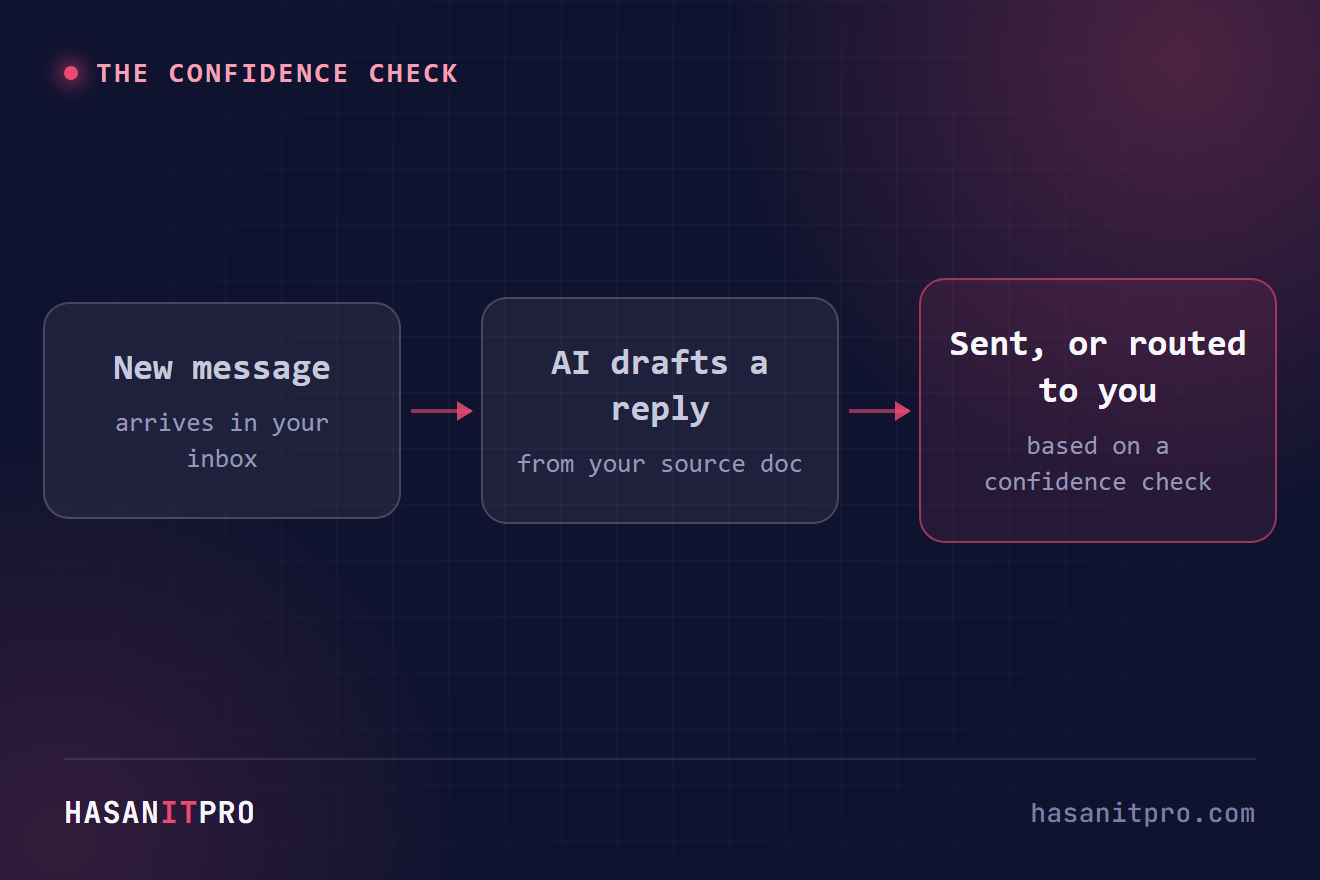
Connect your inbox or helpdesk to your automation platform so every new message triggers a draft-generation step. The AI reads the incoming question, checks it against your source document, and writes a reply in your team's tone, not a generic assistant tone.
-
4
Set a confidence line and route around it
Build in an explicit check: if the question doesn't clearly match anything in the source material, the workflow should flag it for a person instead of letting the AI draft an answer anyway. This one rule is what keeps the system honest as real, unpredictable questions come in.
-
5
Keep a human on final send at first
Route every AI draft into a review queue before it goes out, at least for the first few weeks. This catches tone issues and factual gaps the source document didn't cover, and it's the fastest way to build real confidence in the system before loosening the leash.
-
6
Track what keeps coming back
Once it's running, review weekly which questions the AI is drafting most and which ones it keeps routing to a person. Questions that repeat constantly are often a sign of a real product or process gap worth fixing at the source, not just a pattern to automate around forever.
Does this sound like your business?