What Is GHL (GoHighLevel)? A Complete Guide for Beginners
GoHighLevel is an all-in-one marketing, CRM, and sales automation platform designed to consolidate your software stack. It replaces tools like scheduling apps, email systems, and funnel builders into one platform. Beginners can quickly set up contact management, automated SMS follow-ups, and appointment scheduling inside a single dashboard.
Does this sound like your business?
If you manage sales, marketing, or business operations, you have likely heard about this software platform. You might be asking: What Is GoHighLevel? A Complete Guide for Beginners will help you answer that question and understand how this tool unifies your entire marketing stack. Running a business often requires managing half a dozen separate software platforms. You might use one tool for your email list, another for landing pages, a third for calendar scheduling, and a fourth for SMS messaging. This creates unnecessary expense and technical complexity.
What Is GoHighLevel? A Complete Guide for Beginners
GoHighLevel is an all-in-one sales, marketing, and customer relationship management platform designed for agencies, service businesses, and local companies. Instead of piecing together disparate apps, GoHighLevel gives you every core sales tool inside a single system. It acts as your CRM, automated email responder, SMS marketing engine, landing page builder, and pipeline manager all at once.
By centralizing these functions, you cut monthly software costs and eliminate the need for complex integration plugins. Everything connects natively inside the application.
Core Features of GoHighLevel
Before setting up your account, it helps to understand the main features available on the platform:
- CRM and Opportunities: Track every prospective customer as they move through your sales pipeline. Custom fields let you collect and store important details for every contact.
- Automated Workflows: Build visual automation trees that trigger emails, text messages, task assignments, and stage updates based on user actions.
- Funnels and Website Builder: Create high-converting landing pages and complete websites using a drag-and-drop editor.
- Calendar Management: Allow clients to book appointments directly on your calendar, complete with automated email and text reminders.
- Reputation Management: Automatically request reviews from satisfied clients via SMS or email after a deal closes.
How GoHighLevel Simplifies Business Operations
Fragmented systems cause lost leads. When a lead fills out a form on a standalone website, sending that information to a separate email tool or CRM usually relies on third-party webhooks. If a webhook breaks, sales opportunities drop through the cracks. GoHighLevel eliminates this risk because the form, CRM, and messaging engine share the same database.
If you want to read more about integrating sales technology into your operational strategy, check out our detailed guide on how GoHighLevel can help grow your business. You can also review documentation directly on the official GoHighLevel website for account pricing and advanced features.
Setting Up Your GoHighLevel Account
Setting up your workspace correctly from day one saves hours of cleanup later. Follow these steps to build a solid operational foundation.
Step 1: Create Account and Sub-Accounts
After creating your main agency account, set up a distinct sub-account for your primary business. Sub-accounts keep contact lists, domains, and pipelines isolated from each other.
Step 2: Connect Domain and Communication Channels
Add your custom domain in the settings area to host your funnels and booking links. Set up your LC Email or SMTP service along with a phone number so you can send automated SMS messages safely.
Step 3: Define Pipelines and Custom Fields
Navigate to the Opportunities tab and build a pipeline that matches your real-world sales process. Typical stages include Lead In, Contacted, Appointment Scheduled, Quote Sent, and Closed Won.
Step 4: Build Automated Workflows
Use the workflow builder to automate basic tasks. When a lead submits a form, set the workflow to send an instant text message, assign a team member, and create a pipeline task instantly.
Step 5: Launch Your Calendar
Set up an appointment calendar, configure your working hours, and sync your external Google or Outlook calendar to prevent double bookings.
Conclusion
Understanding What Is GoHighLevel? A Complete Guide for Beginners is the first step toward streamlining your business operations. By replacing fragmented tools with a centralized system, you respond faster to leads and keep customer records completely organized.
-
1
Create Your Account and Sub-Account
Sign up for a GoHighLevel account. Once inside the agency view, create a new sub-account specifically for your business or client. This ensures all contacts, pipelines, and workflows stay organized separately.
-
2
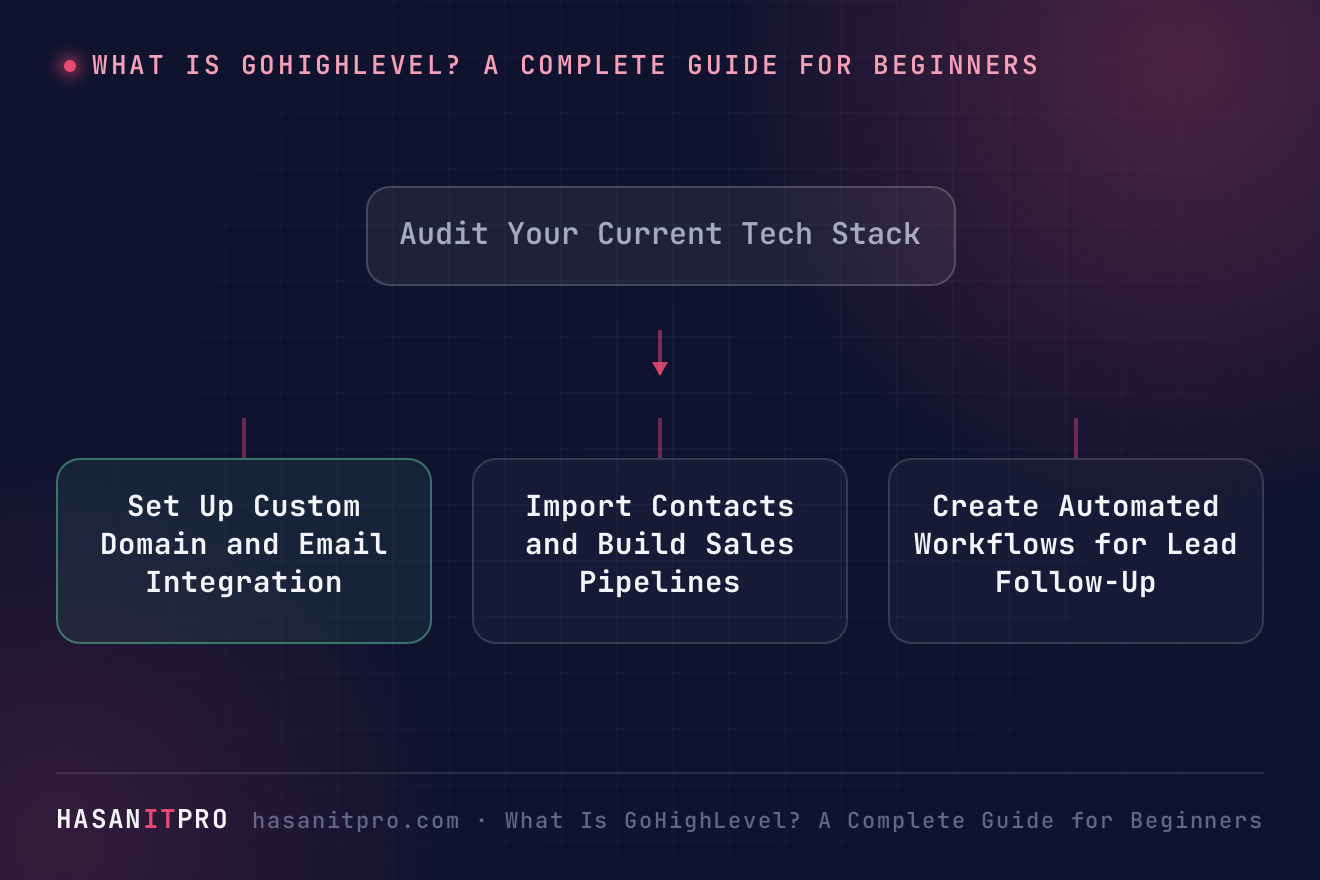
Set Up Custom Domain and Email Integration
Navigate to Settings and add your custom domain for landing pages and funnel steps. Next, configure your sending email domain using LC Email or your chosen SMTP provider to ensure high inbox delivery rates.
-
3
Import Contacts and Build Sales Pipelines
Upload your existing customer or lead database as a CSV file. Map custom fields accurately. Then, head to Opportunities and create a pipeline with clear stages like Lead In, Contacted, Booking Made, and Won.
-
4
Create Automated Workflows for Lead Follow-Up
Go to Automation and build a new workflow triggered by form submissions or calendar bookings. Add actions such as sending an instant text message, assigning a user, and moving the opportunity stage automatically.
-
5
Build and Integrate Your Booking Calendar
Create an event calendar under Calendars. Set your available hours, buffer time, and meeting locations. Connect Google Calendar or Outlook to sync availability and prevent double bookings.
Does this sound like your business?